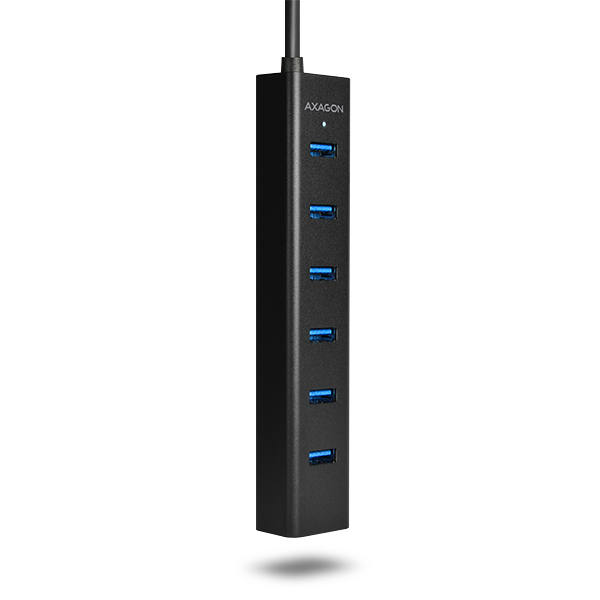
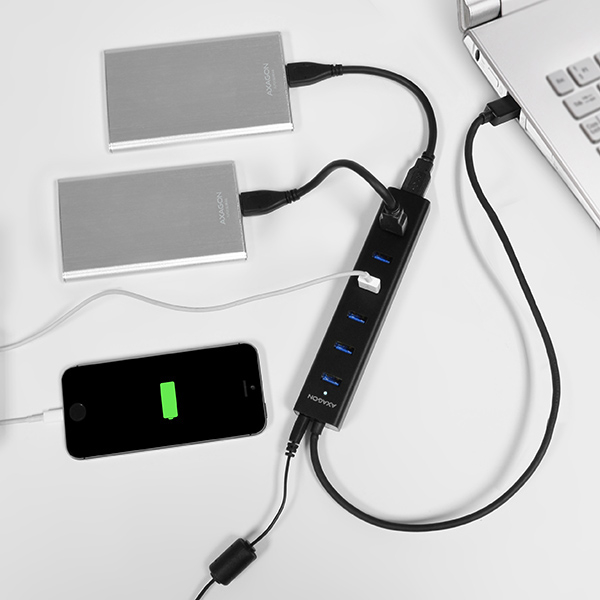
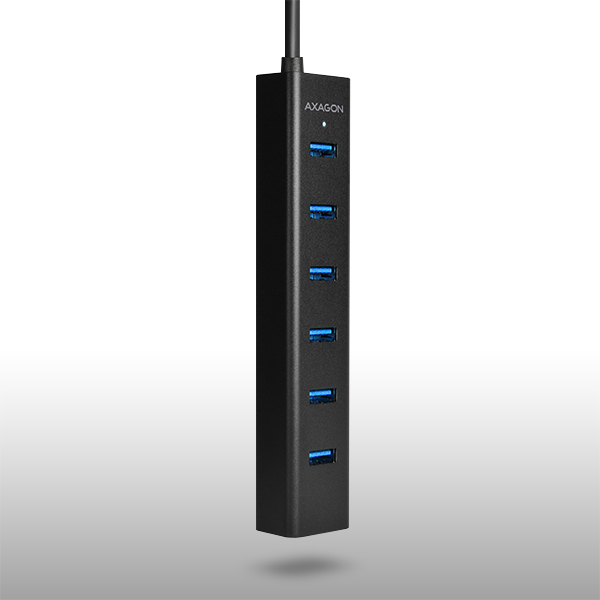
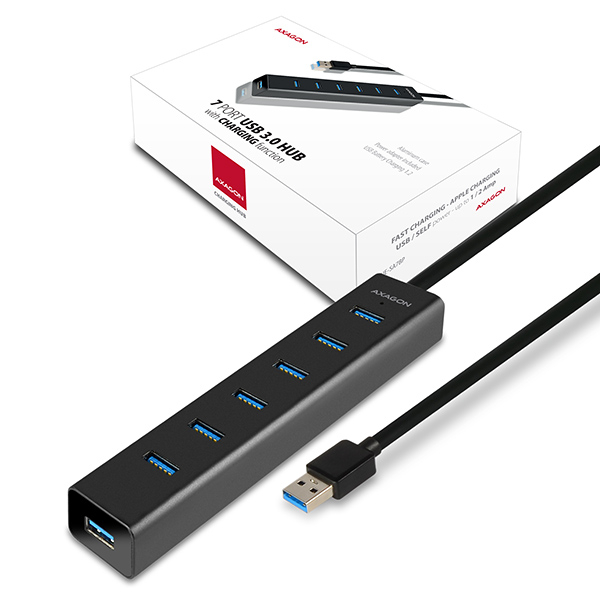
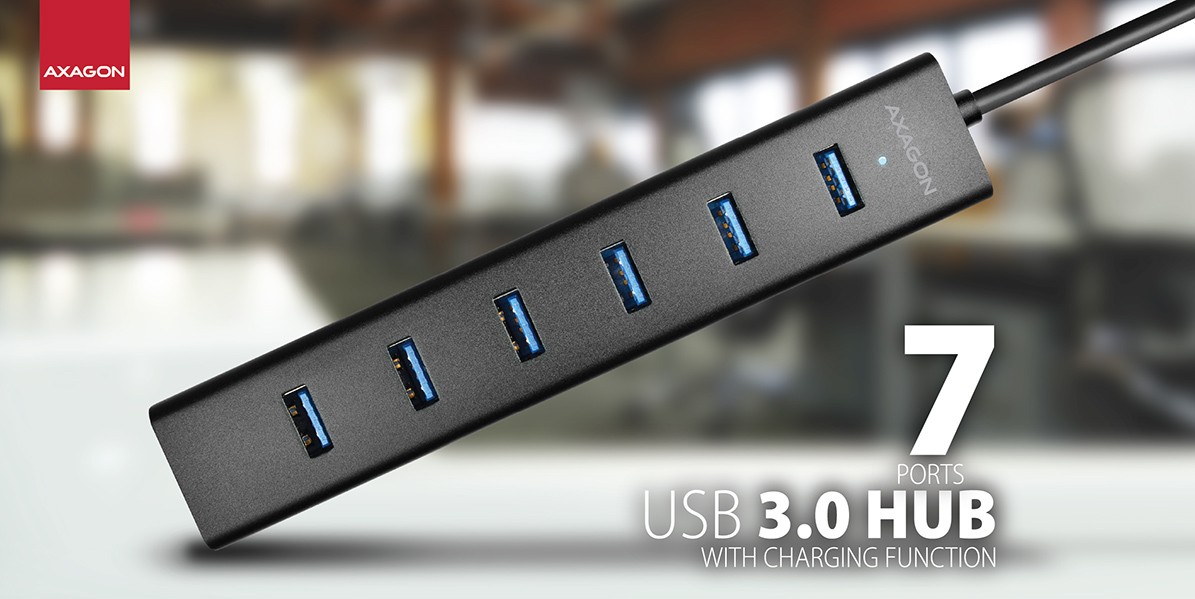
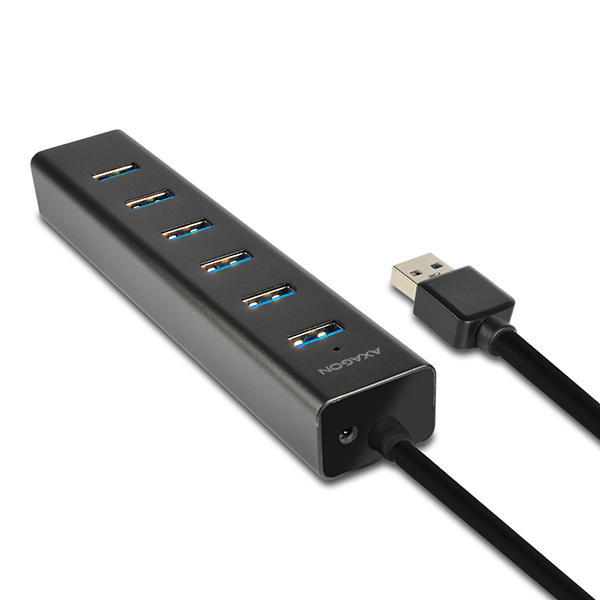
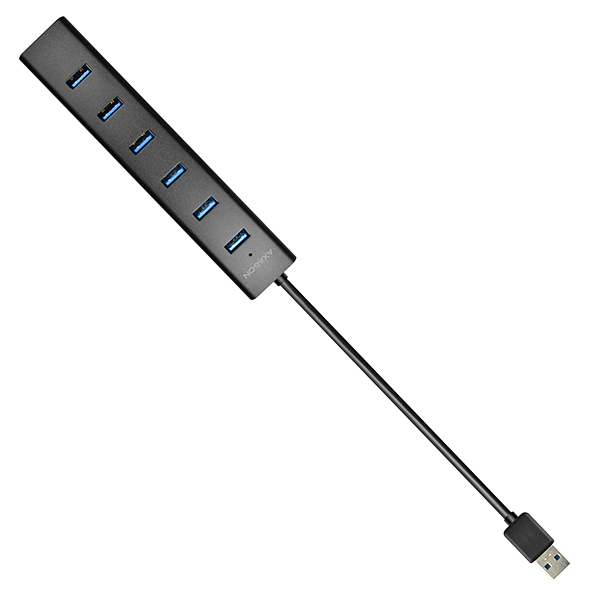
 The seven-port USB 3.0 hub easily and quickly connects up to seven USB devices simultaneously to your computer. It can serve as a simple alternative to the USB docking station for your laptop.
Universal usability of this USB hub supports the possibility to quickly charge mobile devices.
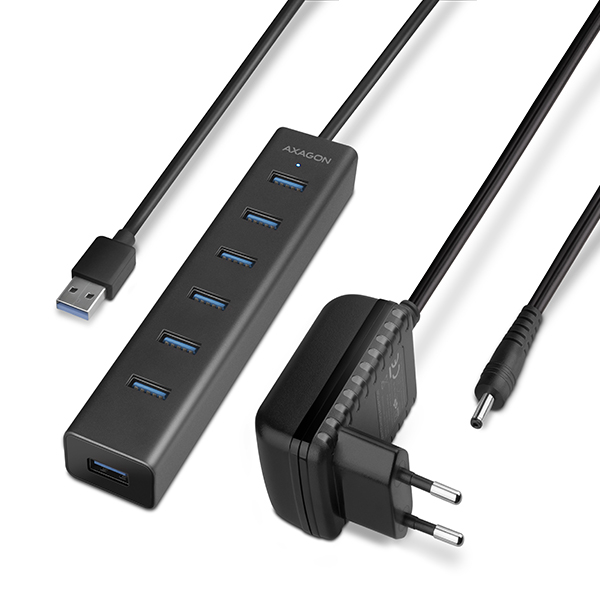
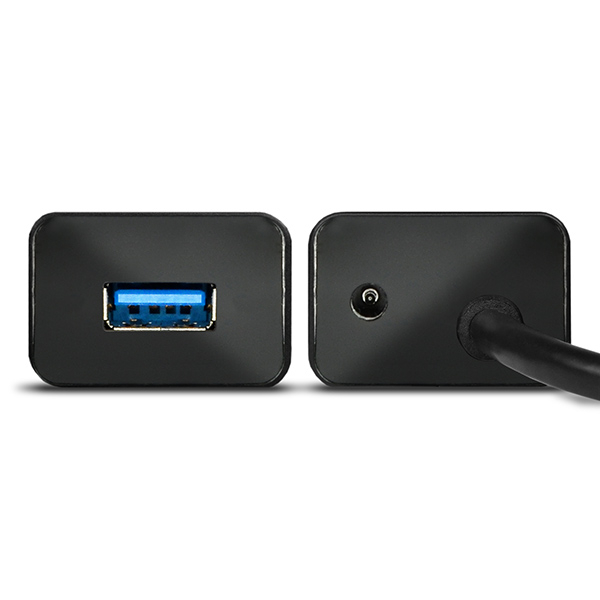
The compact power adapter is included.
7 PORTS • USB 3.0 • INCLUDING POWER ADAPTER
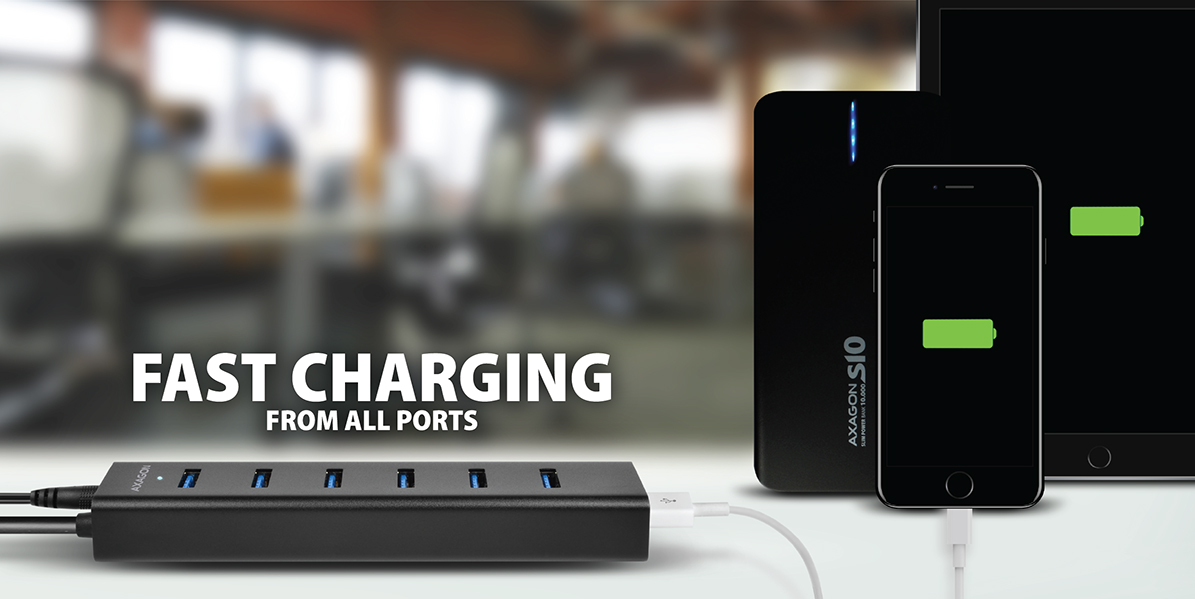 Mobile phones, tablets (inc. iPads), power banks and other devices can be charged up to 2A in any hub port thanks to the USB Battery Charging 1.2 specification support.
After turning off the connected PC or without being connected to the PC the hub works with power supply via the included AC/DC adapter as a separate charging USB hub.
USB BATTERY CHARGING 1.2 • FAST CHARGING UP TO 2A
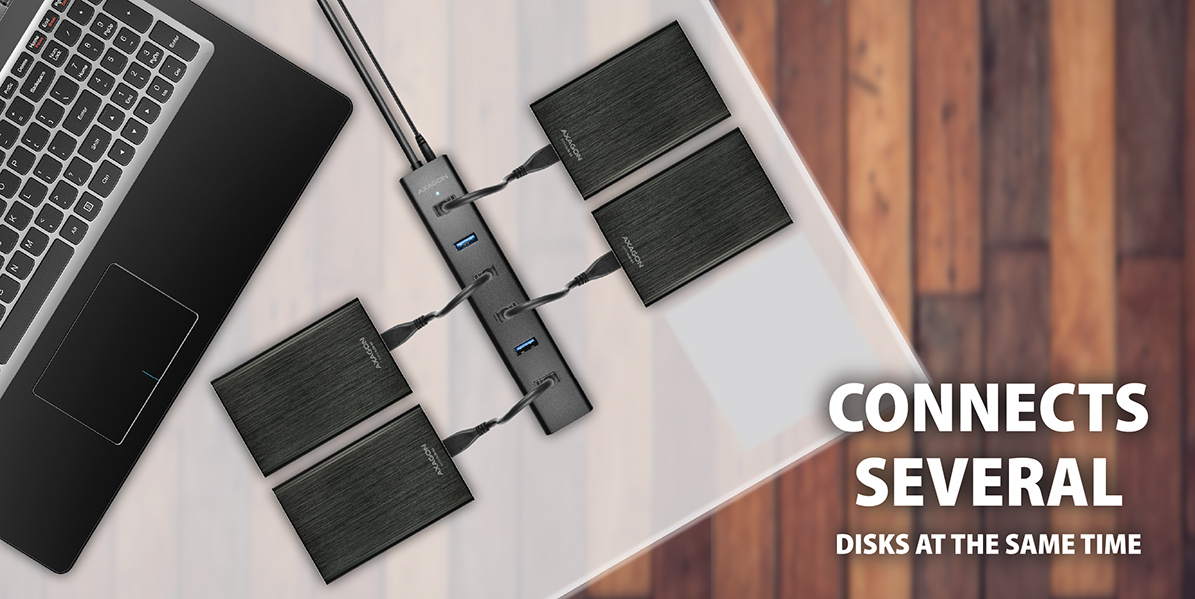 It can even handle permanent connection of several 2.5" external disks without the own hub power.
It is able to connect four 2.5" magnetic external disks, of course it is necessary to power the hub from the supplied power adapter.
However, we recommend that you connect max. three external 2.5" disks simultaneously for reliable long-term hub operation.
2-3 HDDs & USB POWER • UP TO 4 HDDs & SELF POWER
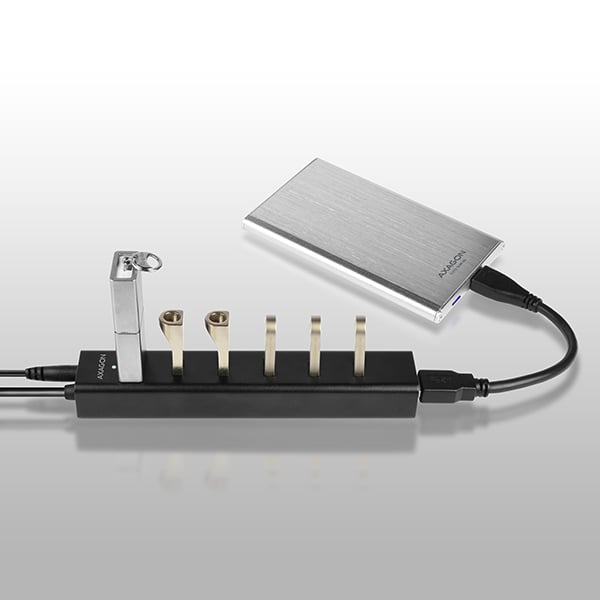
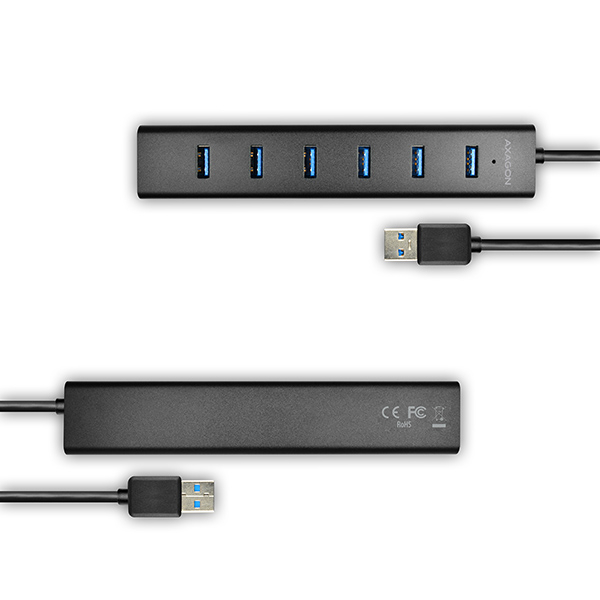
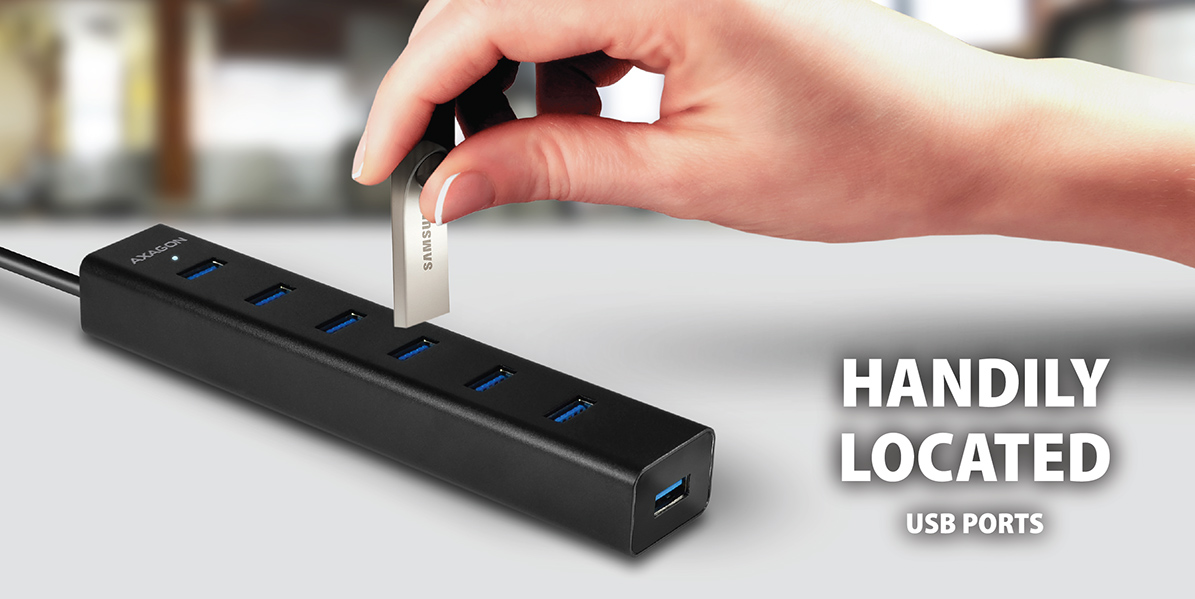 The USB ports located across the hub body with sufficient spacing guarantee seamless direct connection of even large USB devices.
The USB ports located at the top of the hub allows for easy insertion of flash disks, for example, with only one hand. The top port is also suitable for connecting a wireless adapter for better signal reception.
USB PORTS ON TOP • SMART PLACING
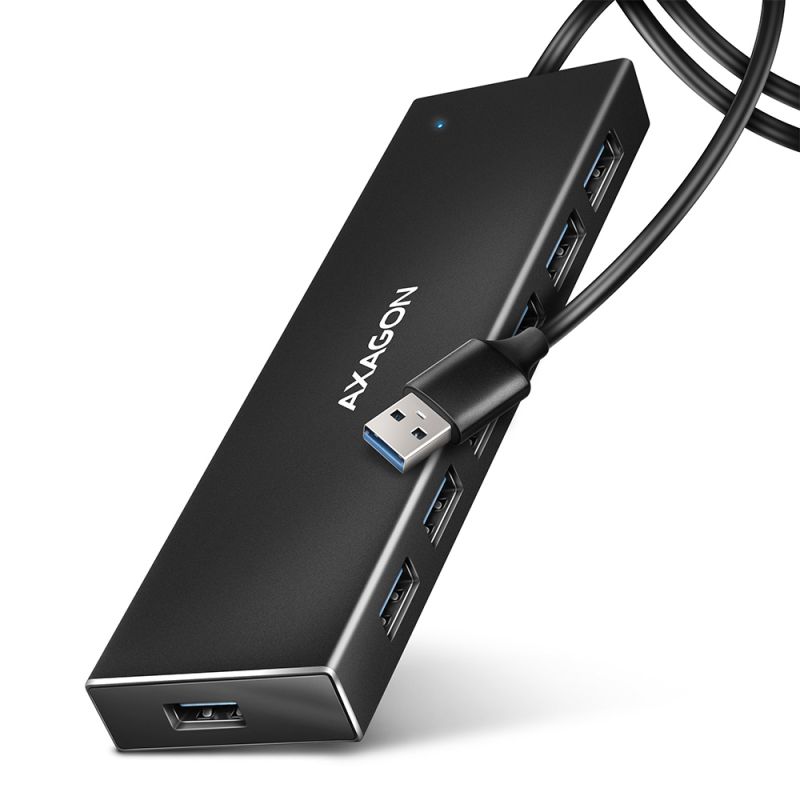
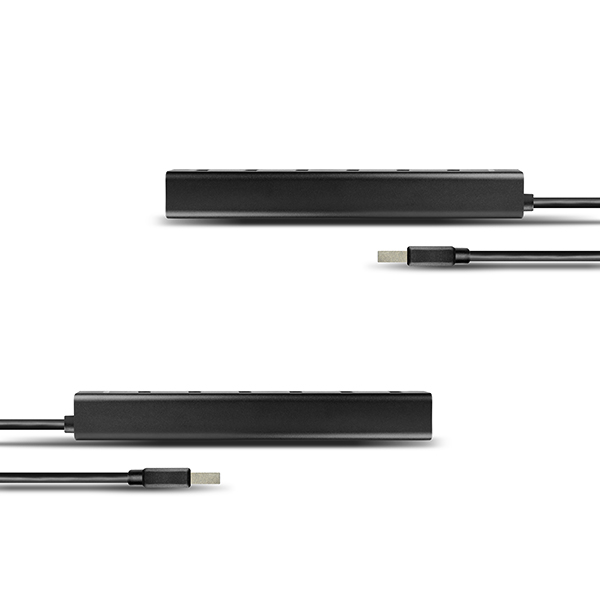
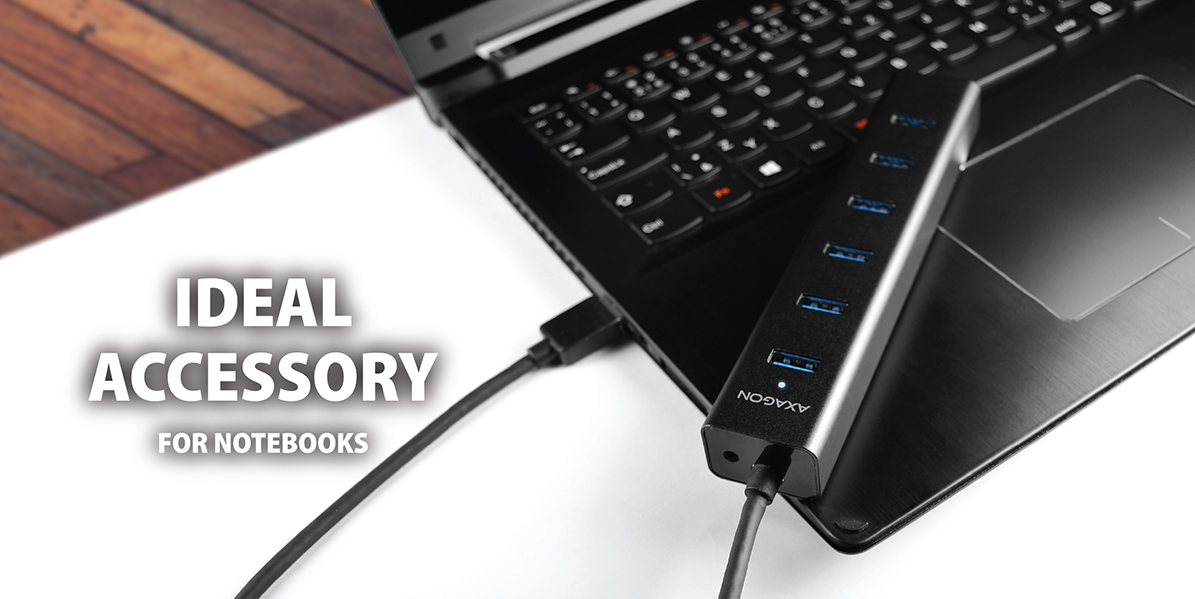 The 7-port compact USB hub with a highly durable aluminum case is truly versatile. Ideally, however, it will find use as a handy yet elegant addition to laptops and especially ultrabooks.
The unlosable permanently attached USB cable with a length of 40 cm is designed especially for connecting to a laptop.
COMPACT • ALUMINUM CASE • FIXED USB CABLE
The seven-port AXAGON HUE-SA7BP ALU CHARGING USB 3.0 hub with own power and fast charging support on all USB ports.
A compact hub with a durable aluminum case connects up to seven USB devices to your PC simultaneously.
At the same time you can charge mobile phones/tablets/power banks and other devices up to 2A in any hub port thanks to the USB Battery Charging 1.2 support.
It can handle permanent connection of several external disks even without the own hub power. With its own power it connects up to four 2.5" magnetic external disks.
The USB ports located across the hub body with sufficient spacing ensure seamless direct connection of large USB devices.
A permanently attached USB cable with a sufficient length of 40 cm is ideal for use with laptops.
It can also work as a separate charging hub and charge the USB devices from the power adapter even when the PC is turned off or disconnected.
The compact power adapter 5V/2A is included.
Features:
• 7 downstream USB 3.0 ports with enough space around the connectors.
• an upstream USB 3.0 port with USB 3.0 Type A male connector on a 40 cm long permanently attached cable.
• Compatible with USB 3.0 and backward compatible with USB 2.0 and USB 1.1.
• Supports transmission rates 1.5 / 12 / 480 / 5000 Mb/s (low / full / high / super speed).
• Supports USB Battery Charging v 1.2 specification.
• Each hub port can be used to charge up to 2A.
• Possibility to connect your device while running thanks to the Hot Plug support.
• Full Plug and Play support.
• LED indication of hub connection to power supply.
• Current overload detection and protection.
• Hub dimensions 156 x 30 x 21 mm, AC adapter dimensions 29 x 75 x 80 mm, including fork.
• Hub weight 88 g (incl. cable), AC adapter weight 100 g (incl. cable).
The hub power mode via USB cable (bus power):
• The USB bus power is sufficient to connect the USB device with a low power consumption (mouse, keyboard, card reader, flash disk, etc.) or own power supply (printer, scanner, 3.5" external disk) to all seven ports.
• In this power mode, the USB hub is also able to cope with up to two, or three if connected sequentially, magnetic 2.5" external disks simultaneously.
• Charging of mobile devices (except for iPads) is also possible in this power mode, however, the charging current is only 0.9A.
Own hub power mode via the included power adapter (self power):
• Own power supply via the included AC/DC adapter (input: 100-240V~, 50/60Hz, 0.45A, output: 5V-2A / 10W, two-pin Euro fork, output coaxial connector diameter 3.5/1.3 mm, cable 150cm).
• In this power mode, the USB hub is able to cope with four 2.5" magnetic external disks. However, we recommend that you connect max. three 2.5" magnetic external disks simultaneously for reliable long-term hub operation.
• Fast charging of mobile devices (including iPads) up to 2A in each of the hub ports. The total current supplied by the hub during charging is limited by the output current of the external power adapter to max. 2A.
Independent charging hub mode without being connected to the PC (charging hub):
• After turning off the connected PC or without being connected to the PC the hub works with power supply via the included AC/DC adapter as a separate charging USB hub.
• Fast charging of mobile devices (including iPads) up to 2A in each of the hub ports. The total current supplied by the hub during charging is limited by the output current of the external power adapter to max. 2A.
OS support:
• MS Windows XP / Vista / 7 / 8 / 8.1 / 10 and later, Windows Server 2003 / 2008 / 2012 and later (supported are all 32 and 64-bit Windows OS versions), Mac OS X 10.4x and higher, Linux with kernel 2.6.x and above.
• Note: Drivers are included with supported operating systems and are installed completely automatically. No other drivers need to be installed and are not even available.
Package contains:
• USB 3.0 hub with a permanently connected 40 cm long cable,
• power adapter,
• printed multilingual manual CZ / DE / DK / ENG / ESP / FIN / FR / GR / HR / HU / IT / NL / PL / PT / RO / RU / SK / SWE / TR / BG / CN / ARA,
• packed in a cardboard box.


 English
 Czech
Czech
 Slovak
 German
 Hungarian
 Polish

 + 6 more photos