Product code: ADA-12
Category: Audio , USB-A sound cards
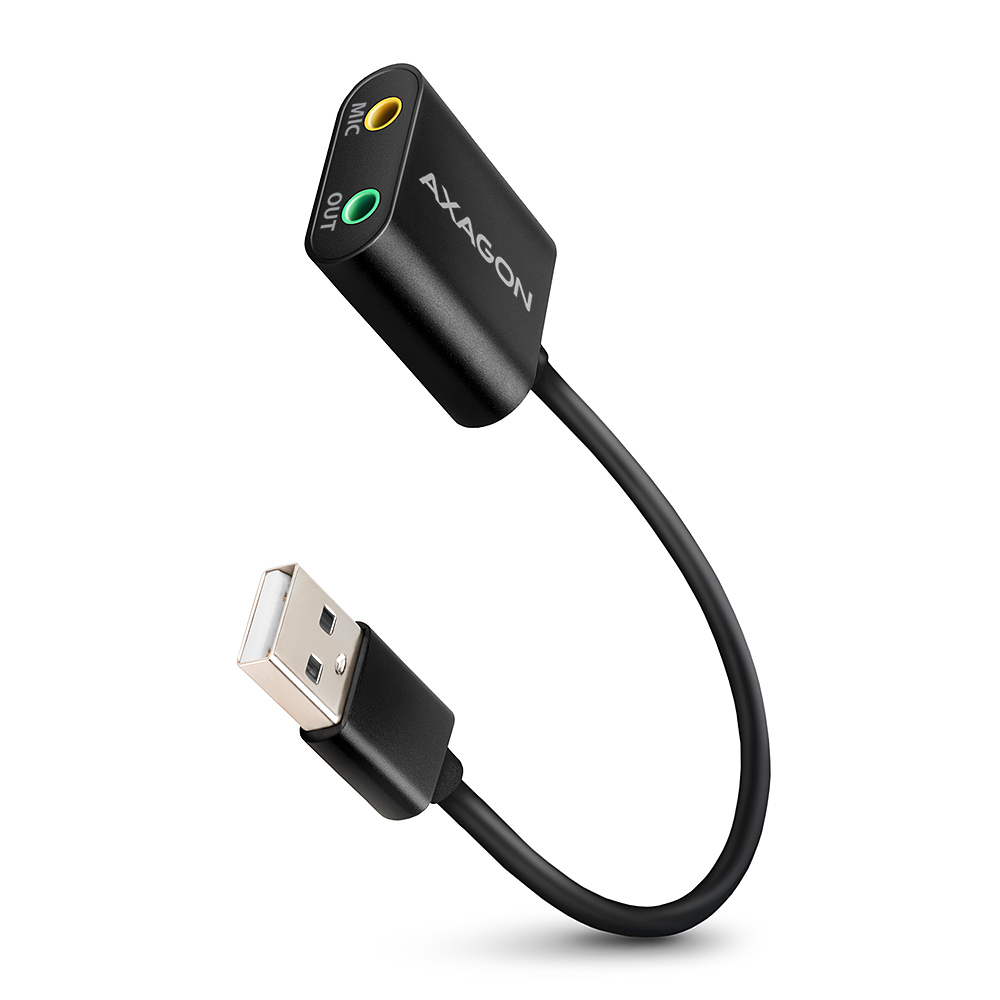
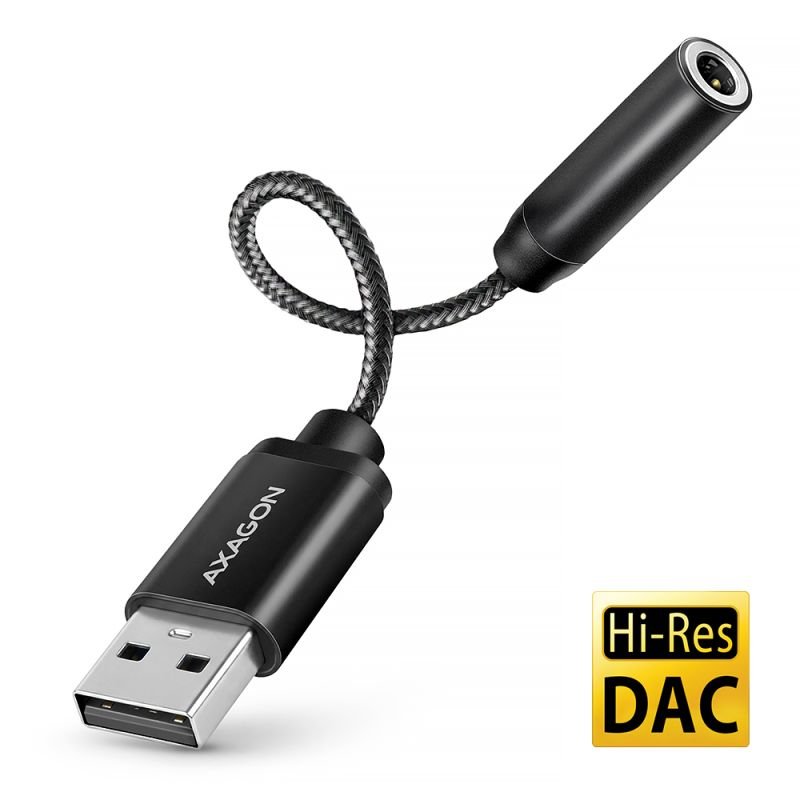
External USB audio adapter AXAGON ADA-12 easily and quickly adds missing headphones output or microphone input to your computer. It will also serve well as a replacement for the broken original integrated sound card in the notebook.
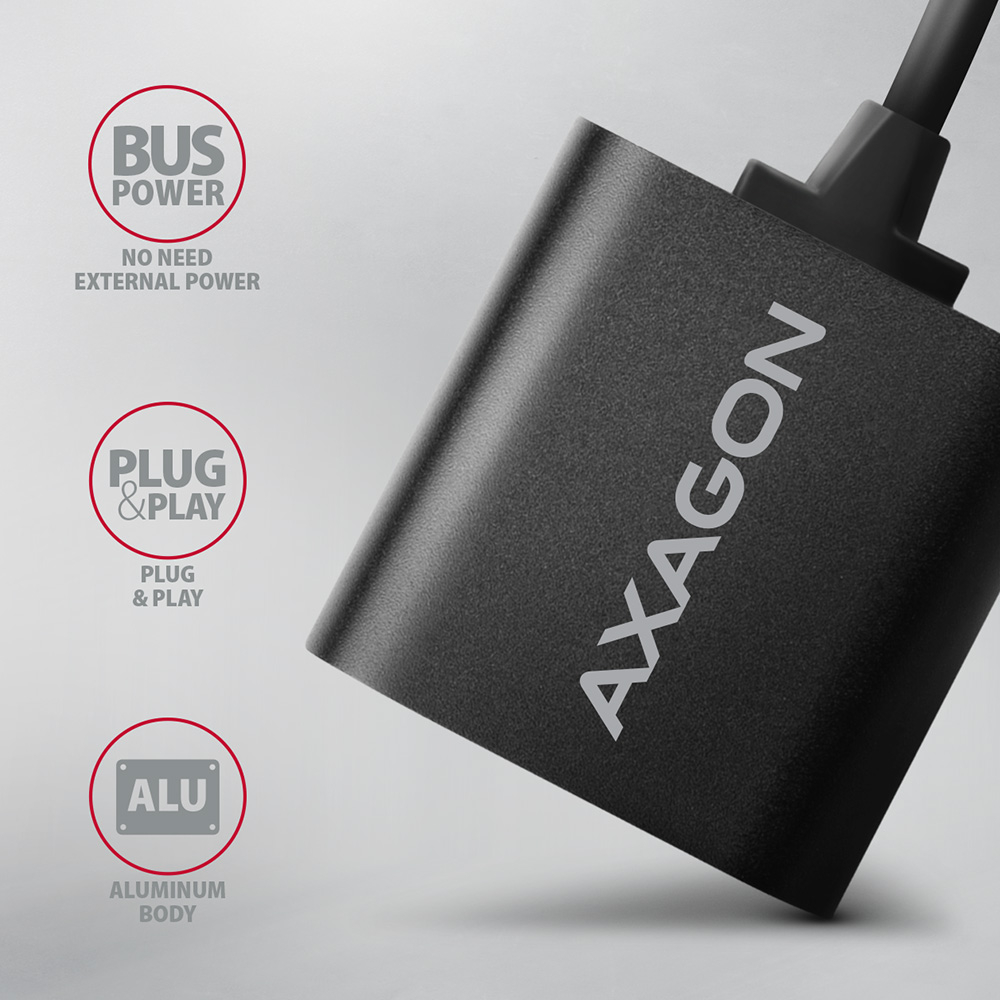
The sound card is suitable for desktop computers and notebooks and allows you to connect headphones or active speakers and a microphone. Adapter metal housing is made of aluminum and thus provides perfect mechanical protection. Fixed cable guarantees sufficient flexibility.
The sound card together with the headset will form an ideal accessory for online communication programs such as Skype, Zoom, MS Teams etc. The card is easy to install, just plug the sound card into the computer's USB port and the rest will be done automatically.
Input:
• 1x USB 2.0 Full Speed USB port, backward compatible with USB 1.1.
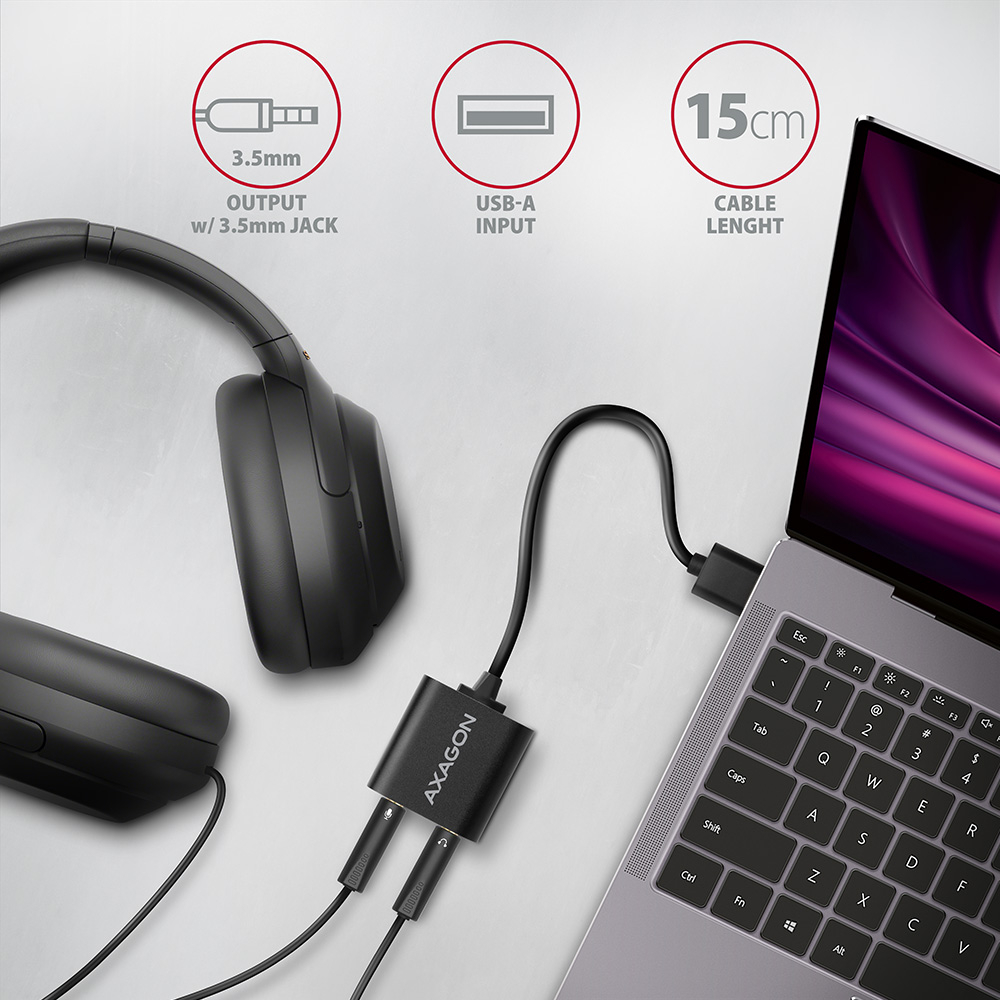
• USB type A male connector located on a fixed 15 cm cable.
Audio output:
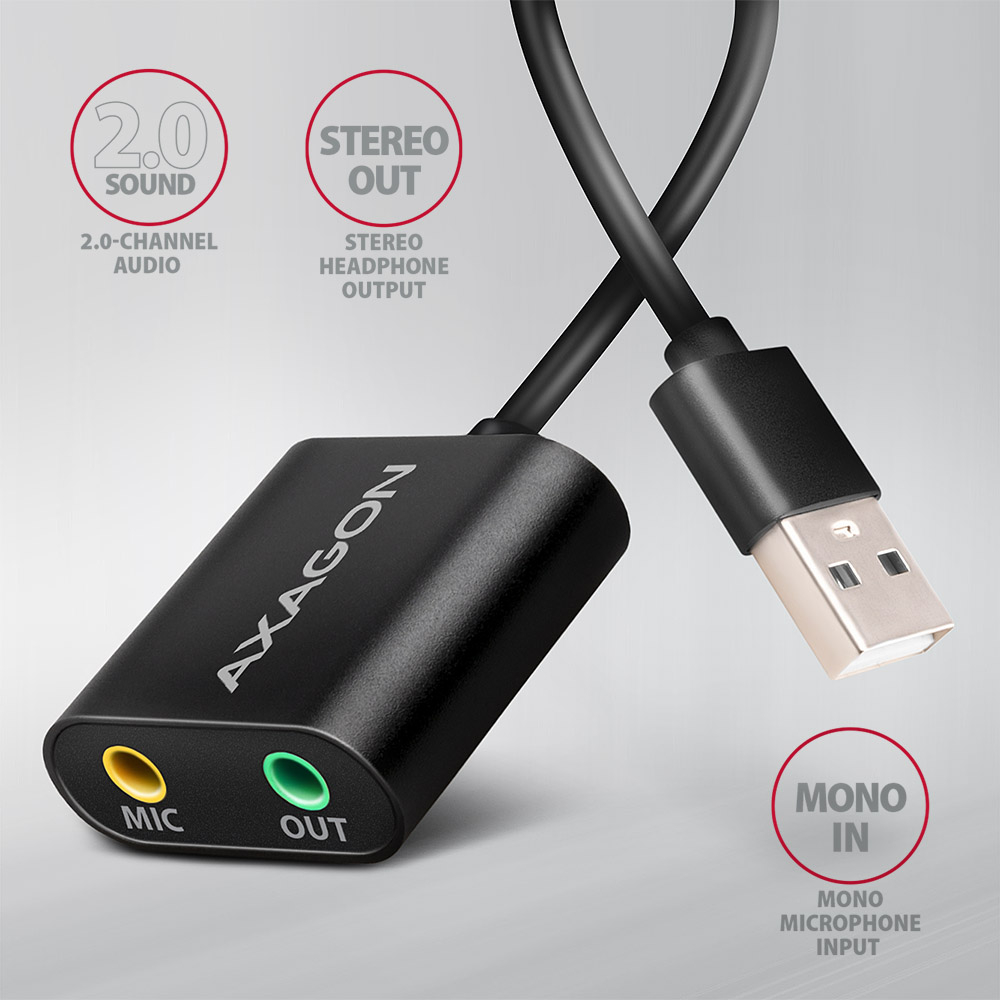
• 2-channel analog 16-bit output (3.5 mm stereo jack):
• stereo output for headphones or active speakers.
Audio input:
• 1-channel analog 16-bit input (3.5 mm stereo jack):
• mono microphone input.
Sampling rate, resolution and output converter (DAC) noise:
• analog - 44.1 / 48 kHz @ 16 bit for playback,
• signal-to-noise ratio (Output SNR) ≥ 93dB,
• harmonic distortion (Output THD+N) ≤ -70dB.
Sampling rate, resolution and input converter (ADC) noise:
• analog - 44.1 / 48 kHz @ 16 bit for recording,
• signal-to-noise ratio (Input SNR) ≥ 83dB,
• harmonic distortion (Input THD+N) ≤ -76dB.
Other features:
• Easy to install thanks to full Plug and Play support.
• Possibility to connect your device while running thanks to the Hot Plug support.
• Compliant with the USB Audio Device Class specification v1.0.
• Adapter power supply via USB (bus power) - no auxiliary power supply required.
• Miniature dimensions of 29 x 29 x 12 mm, cable length 15 cm.
• Weight 16 g.
Setting up a sound card in Windows allows:
• adjusting volume and balance of speakers,
• enhanced speaker features: Bass Boost, Virtual Surround Sound, Room Correction, Loudness Equalization,
• setting the sampling rate and bit depth for both reproduction and recording,
• setting the automatic level of gain for the microphone (Automatic Gain Control),
• setting the manual level of gain for the microphone.
Supported OSs:
• MS Windows 7 / 8 / 8.1 / 10 / 11 and later, Windows Server 2008 / 2012 / 2016 / 2019 and later (supported are all 32- and 64-bit Windows OS versions), Mac OS X 10.4.x and higher, Linux with kernel 2.6.x and above.
• Note: Drivers are included with supported operating systems and are installed completely automatically. No other drivers need to be installed and are not even available.
• Compatible with all Internet telephony programs using the sound card.
Package contains:
• audio adapter,
• printed multilingual manual CZ / DE / DK / ENG / ESP / FIN / FR / GR / HR / HU / IT / NL / PL / PT / RO / RU / SK / SWE / BG / CN / TR / ARA,
• packed in a cardboard box with a hanging hole.
- USB audio adapter
- installation guide
- printed multilingual manual CZ / DE / DK / ENG / ESP / FIN / FR / GR / HR / HU / IT / NL / PL / PT / RO / RU / SK / SWE / TR / BG / CN / ARA
- a cardboard box with an option to be hanged on the retail display stands
- package dimensions 12.7 x 7.8 x 2.2 cm
- weight of 1 pc package 40 g
- EAN 8595247906298
- number of pieces in the box: 150
- total weight of the box: 5.9 kg G.W.
- box dimensions: 24 x 36 x 45 cm
ADA-12 - installation guide - CZ / DE / DK / ENG / ESP / FIN / FR / GR / HR / HU / IT / NL / PL / PT / RO / RU / SK / SWE / TR / BG / CN / ARA
A): The basic drivers are already part of the operating system.
B): When you connect the USB sound card to your computer, the necessary drivers are automatically detected and installed.
A): If the USB sound card is not displayed in "Device Manager", there may be a USB port malfunction.
B): Try plugging the sound card into another USB port. The sound card should be detected and the drivers loaded automatically. If the problem persists, plug the sound card into the USB port of another computer to verify its functionality.
A): The USB sound card cannot be used without a computer, e.g. by plugging into a TV.
B): The USB sound card uses the computer, its operating system and drivers for its operation. So it cannot operate without a PC.
A): The sound interference is probably caused by the wireless mouse transmitter.
B): We recommend placing the mouse transmitter as far away from the sound card as possible (preferably on the opposite side of the computer – connect the transmitter to a USB port on the front panel of the PC and the sound card to a USB port on the back panel – use a USB extension cable if necessary). In the case of a laptop, place one device on each side.
A): The problem could be a lack of resources, check (when a problem occurs) the processor load and operating memory filling in "Task Manager".
B): If the CPU usage is 100% or memory is full, you need to find out what causes this situation. Another option is to connect a sound card to another computer to verify that the sound card is not damaged.
A): For most Axagon USB sound cards, the line-in input is combined with the microphone input.
B): The sound card can detect whether a microphone or a stronger “line” signal is connected. Therefore, for example, when recording from the headphone output of a mobile phone, you should reduce the phone’s volume to about 80–90%, or reduce the input signal level in the recording software to avoid signal overload. In the recording software (e.g., Audacity), you should then select Microphone – USB as the input source.
A): The USB sound cards generally have a higher latency (delay).
B): The solution is to use the ASIO4ALL drivers (http://www.asio4all.com/). ASIO are special sound drivers designed to achieve the smallest latency.
A): Yes, for example, the ADA-17 sound card can be used for Raspberry Pi.
B): The installation can be handled even by a layman, only plug the sound card into the USB port of the computer and the rest is done automatically.
A): You probably have allowed to listen to the microphone in Microphone Properties.
B): To disable this feature, follow these steps: Start -> Control Panels -> Hardware and Sound -> Sound -> Recording -> Microphone (USB Sound Device) -> Properties -> Listen -> Listen to this device - uncheck this box and confirm with "Apply".
A): Yes, it is possible to play two different tracks simultaneously on one computer.
B): This is primarily a software matter, requiring a player that supports redirecting sound to a different audio output than the one set as the “default” in the operating system. Such functionality is supported, for example, by VLC media player.